Git Analytics
Git Analytics for OSS Maintainers
Review the next maintenance release
Maintenance work can arrive through several branches and pull requests. Review the changes relevant to the next release, not a leaderboard. A low commit count can reflect review, discussion, or work outside the repository; history alone cannot measure project health.
The Challenge
Repository evidence is useful only when its scope is clear. Local state, authorized GitHub metadata, and provider events are different sources.
What Git Analytics Means for OSS Maintainers
Use activity to locate changes worth inspecting. Do not infer time spent, personal productivity, risk, or business outcomes from volume alone.
Questions OSS Maintainers Ask
- •What changed since the previous release?
- •Which pull requests have available reviews?
- •Are checks failing or absent?
- •Which files have unexpected changes?
- •Do the release notes match the selected evidence?
- •What needs a maintainer decision before publication?
How GitGlow Helps
Free provides a starting point for local inspection and one trusted-repository observation. Pro adds concurrent repositories and agents, authorized GitHub context, managed runs, and Release Workspace.
Local repository review stays on the device. Connected GitHub, billing, and optional managed-provider analysis have distinct boundaries; inspect the disclosure before sharing selected evidence.
Use the visible source, time range, and available detail to interpret each view. Remote commit samples are bounded; dirty working-tree state describes now.
A practical review sequence
- Open a trusted local clone or an authorized GitHub repository.
- Read the relevant diffs and available pull-request reviews.
- Check changes since the previous tag in Pro Release Workspace.
- Prepare accurate release notes and keep publication behind its explicit confirmation.
Updated 2026-09-08 · By Stoyan Korudzhiev
Walk through agent observation, review, and Indie Log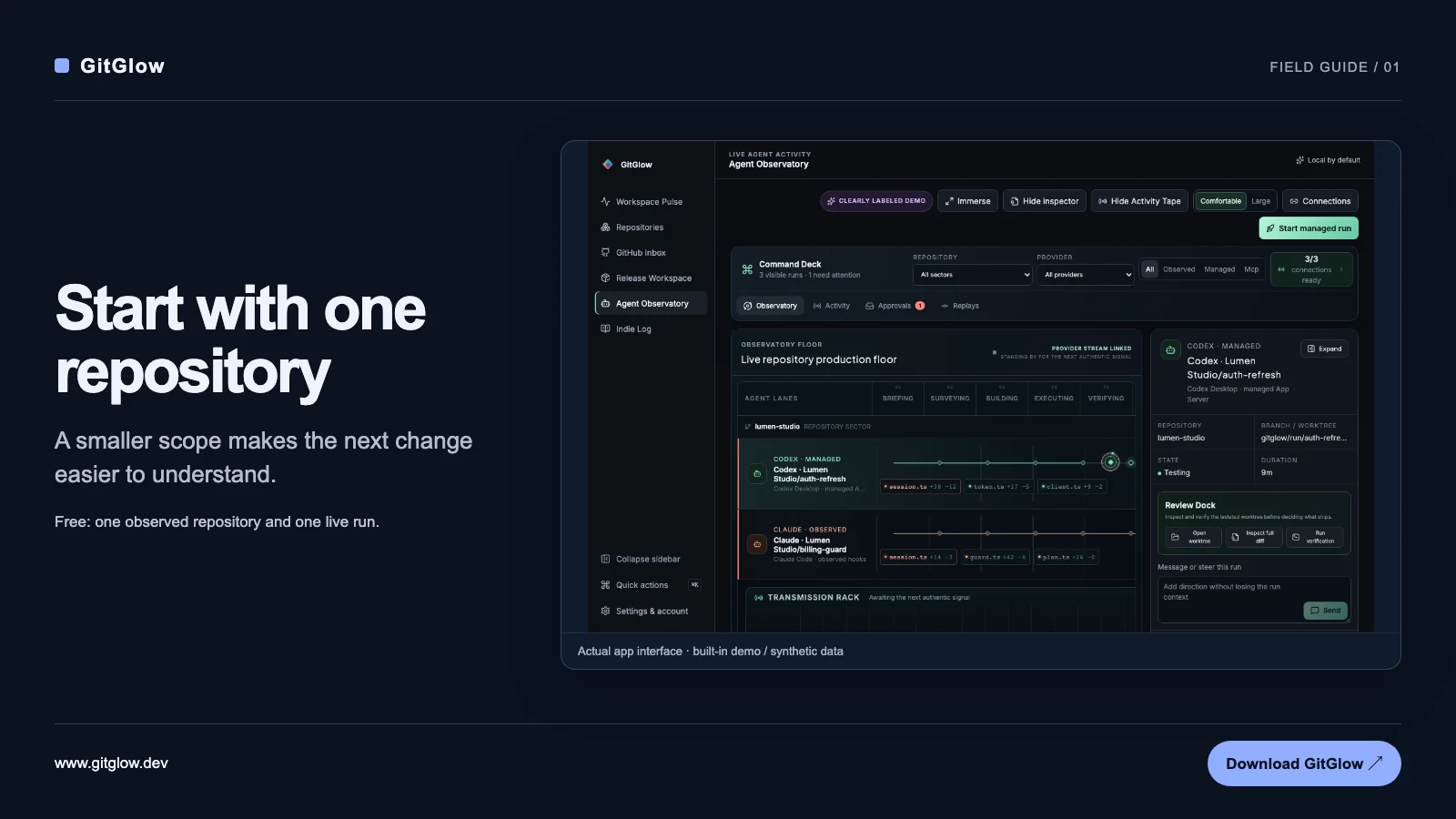
Use this workflow to prepare a concrete decision. GitGlow does not turn repository activity into an employee-performance score.