Step 1
Start with a question you can answer
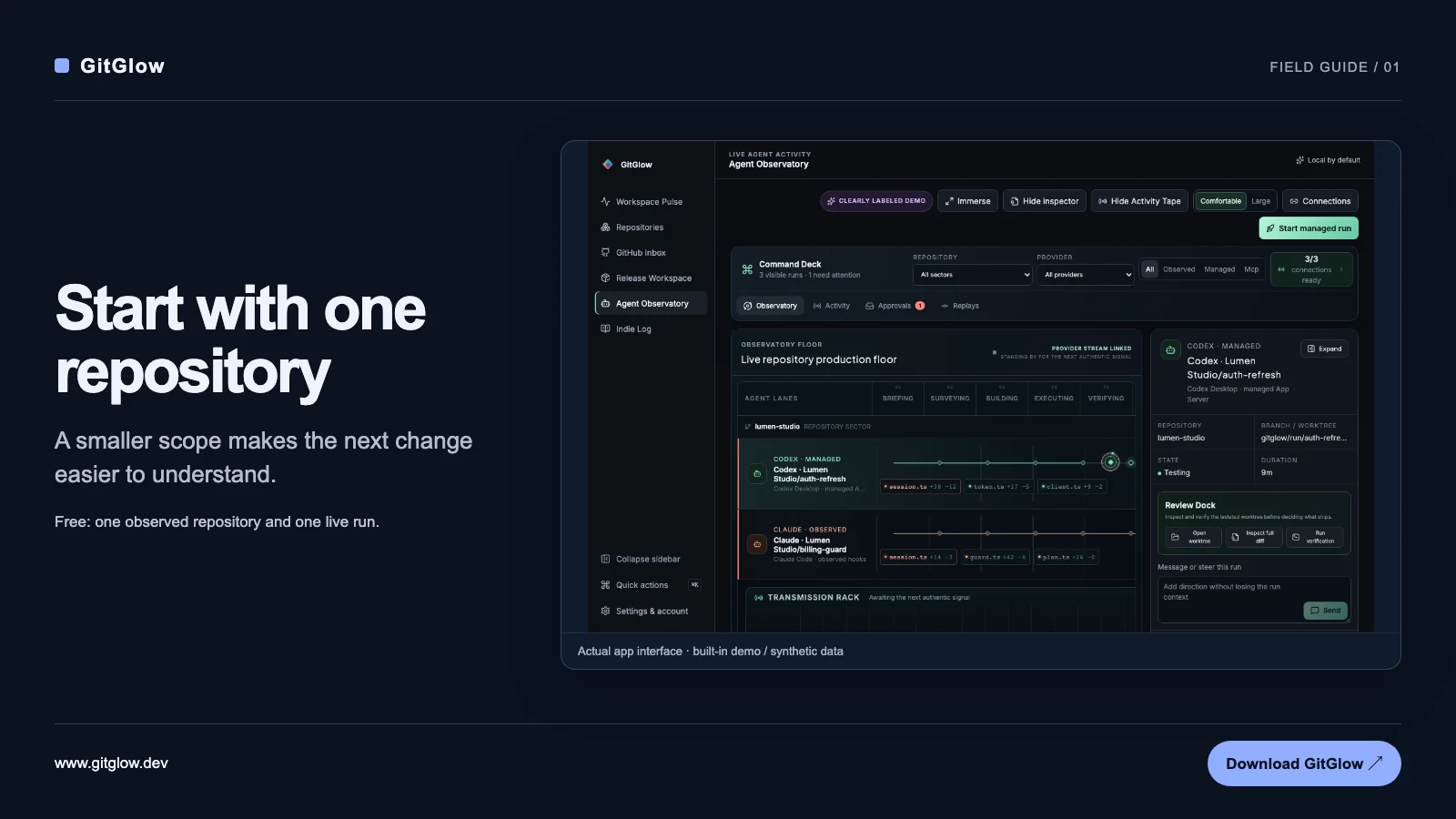
The useful question is not “How busy was the agent?” It is “What changed, and what needs my attention?” An agent can finish a task while leaving a failed check, an unexpected edit, or a decision that still belongs to you. GitGlow puts observed agent activity alongside repository context so you can examine that handoff.
- Choose one local repository you are comfortable inspecting.
- Trust that repository explicitly in GitGlow.
- Connect one supported observed session and open Agent Observatory.
Step 2
Choose the right kind of connection
An observed Codex or Claude session remains owned by the application or CLI that started it. Official hooks report supported events; they do not turn that session into a remotely controlled run. A GitGlow-managed run is launched through its managed provider integration and can expose messaging, approvals, and interruption. These are different operating modes, not interchangeable promises.
- Start with observation when work is already running elsewhere.
- Use a managed run when you want GitGlow to launch and direct it.
- Check the connection type before expecting a control to be available.
Step 3
Compare the account of the work with the files
Provider-visible commentary explains what the agent reports. Independent Git observation shows working-tree changes between provider events. Use both. Open the relevant event, inspect its bounded detail, then review the staged, unstaged, and untracked changes. A green agent status alone does not establish that the implementation is correct.
- Read the event and its disclosed source.
- Inspect the actual diff, including files outside the expected scope.
- Run the checks appropriate to the change before committing or shipping.
Step 4
Use Replay to recover context
The latest completed Replay is available for 24 hours on Free. Pro adds longer encrypted local retention, with 30-day and 2 GiB defaults, plus pinning. Replay preserves supported, sanitized operational detail such as commands, bounded output, tests, approvals, and safe diff hunks. It is not a full transcript and does not expose hidden reasoning.
- Open a completed Replay and step through the recorded events.
- Follow the timeline to the test or file change you need to inspect.
- Treat missing, redacted, and truncated detail as an evidence boundary.
Step 5
Keep review and publication separate
Review the repository itself before shipping: inspect the final diff, available checks, and release context. GitGlow’s guarded actions use state-bound previews. Release Workspace publication requires its own explicit confirmation. Finishing a managed run or replaying its history is not a release.
- Confirm the intended files and repository state.
- Use GitHub and release context where authorized and available in your plan.
- Review the publication preview separately from the agent’s completion.
Step 6
Turn selected evidence into an editable Indie Log
Manual Indie Log entries are available on Free. Pro can use a ready managed Codex or Claude connection to analyze a selected date range and explicitly enabled repositories, producing an editable report, release-note draft, and marketing material. Review the disclosure before generation. Keep completed, merged, and released claims separate, accept the useful outcomes, and revise the copy before sharing.
- Choose the date range and repositories, then preview the disclosure.
- Read the generated evidence-backed outcomes and qualifications.
- Edit and export the pack; nothing is automatically published.
Explore the workflow
Product walkthrough · actual GitGlow interface · sample data
Follow an agent event into the exact changed files.
Move through six captured Agent Observatory views, inspect numbered explanations, and enlarge the real interface without mistaking the website for a working GitGlow session.
Open the Agent Observatory walkthroughThe captures use synthetic repository and agent events rendered by GitGlow 2.0.2. No provider, Git, or GitHub request is made.
What to keep in mind
- Free includes one active trusted-repository observation, one live observed agent or MCP run, basic Activity Tape, manual Indie Log, and the latest completed Replay for 24 hours.
- Pro is required for managed runs and managed Indie Log report packs; provider usage remains the user’s responsibility.
- Observed sessions expose only supported hook events. Managed controls do not apply to arbitrary external sessions.
- Local recording excludes prompts, full transcripts, hidden reasoning, credentials, absolute paths, and secret-file contents. Connected GitHub, billing, and selected managed-provider analysis have separate data boundaries.
Start with one repository
Try the workflow with a small, familiar example before expanding it.
Download GitGlow