Git Analytics
Git Analytics for Solo Developers
Review your own repository before the next task
When a side project has several unfinished branches, the first job is recovering context. A quiet default branch does not mean that no work exists locally. Start with Workspace Pulse, then inspect the repository you are about to touch.
The Challenge
Repository evidence is useful only when its scope is clear. Local state, authorized GitHub metadata, and provider events are different sources.
What Git Analytics Means for Solo Developers
Use activity to locate changes worth inspecting. Do not infer time spent, personal productivity, risk, or business outcomes from volume alone.
Questions Solo Developers Ask
- •Which branch am I on?
- •What changed since I last reviewed this repository?
- •Are there uncommitted files?
- •Which local branches contain relevant commits?
- •Which change needs a closer diff review?
- •What can I support with evidence in a work log?
How GitGlow Helps
Free provides a starting point for local inspection and one trusted-repository observation. Pro adds concurrent repositories and agents, authorized GitHub context, managed runs, and Release Workspace.
Local repository review stays on the device. Connected GitHub, billing, and optional managed-provider analysis have distinct boundaries; inspect the disclosure before sharing selected evidence.
Use the visible source, time range, and available detail to interpret each view. Remote commit samples are bounded; dirty working-tree state describes now.
A practical review sequence
- Choose and trust the local repository you want to review.
- Inspect staged, unstaged, and untracked changes before starting another task.
- Use history and branch context to find the commits relevant to your next decision.
- Write a manual Indie Log entry, or use Pro managed analysis after reviewing its disclosure.
Updated 2026-09-08 · By Stoyan Korudzhiev
Walk through agent observation, review, and Indie Log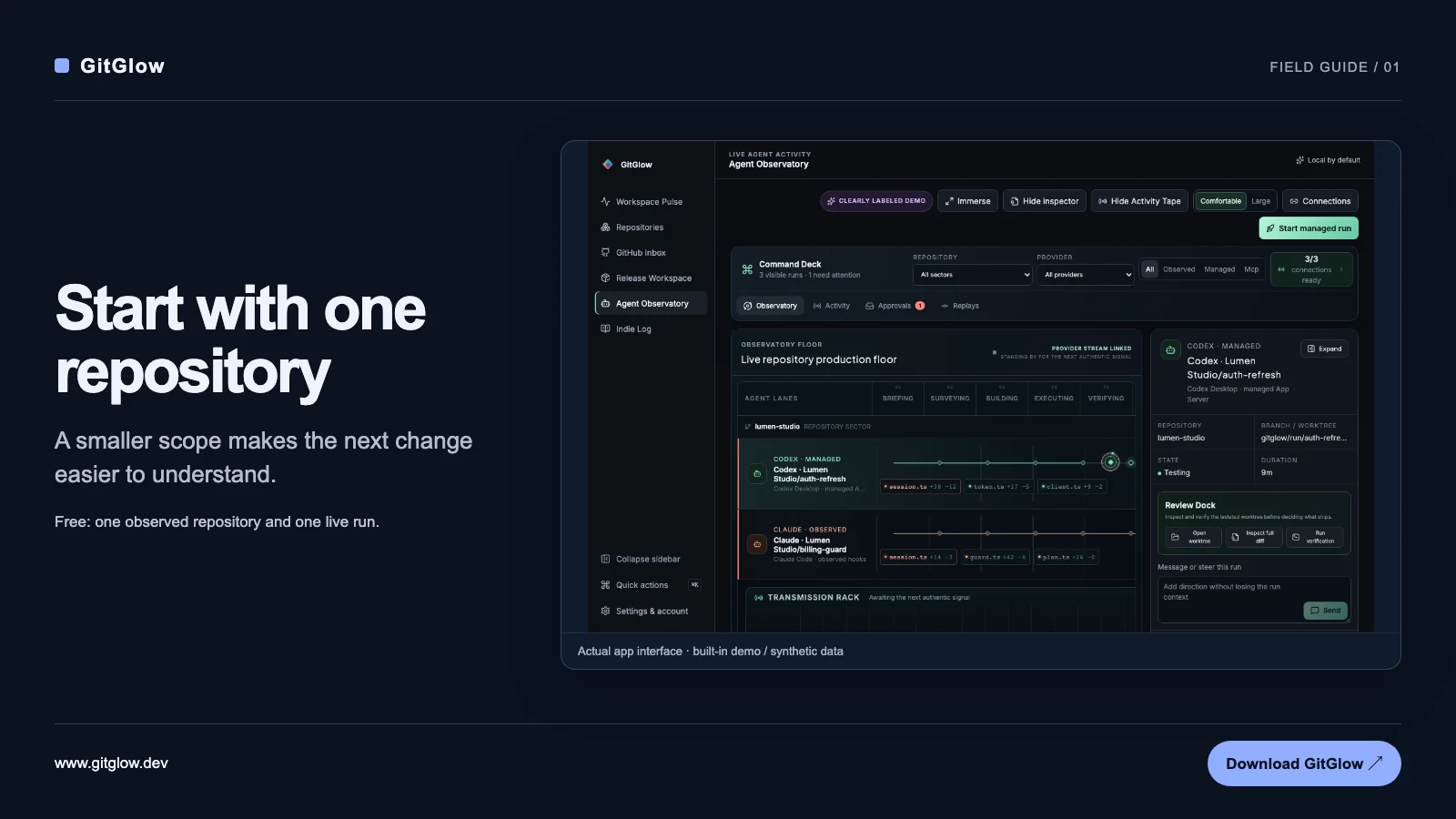
Use this workflow to prepare a concrete decision. GitGlow does not turn repository activity into an employee-performance score.